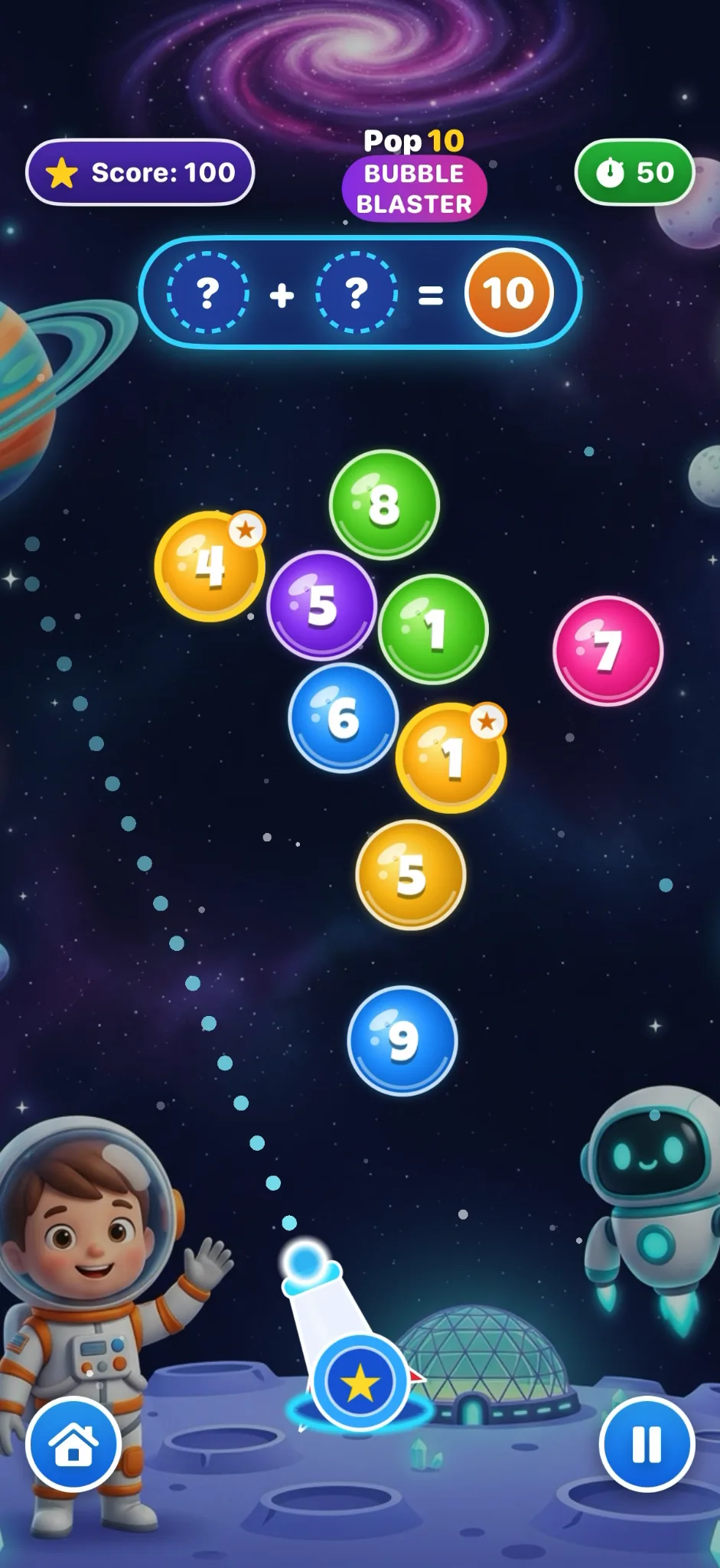
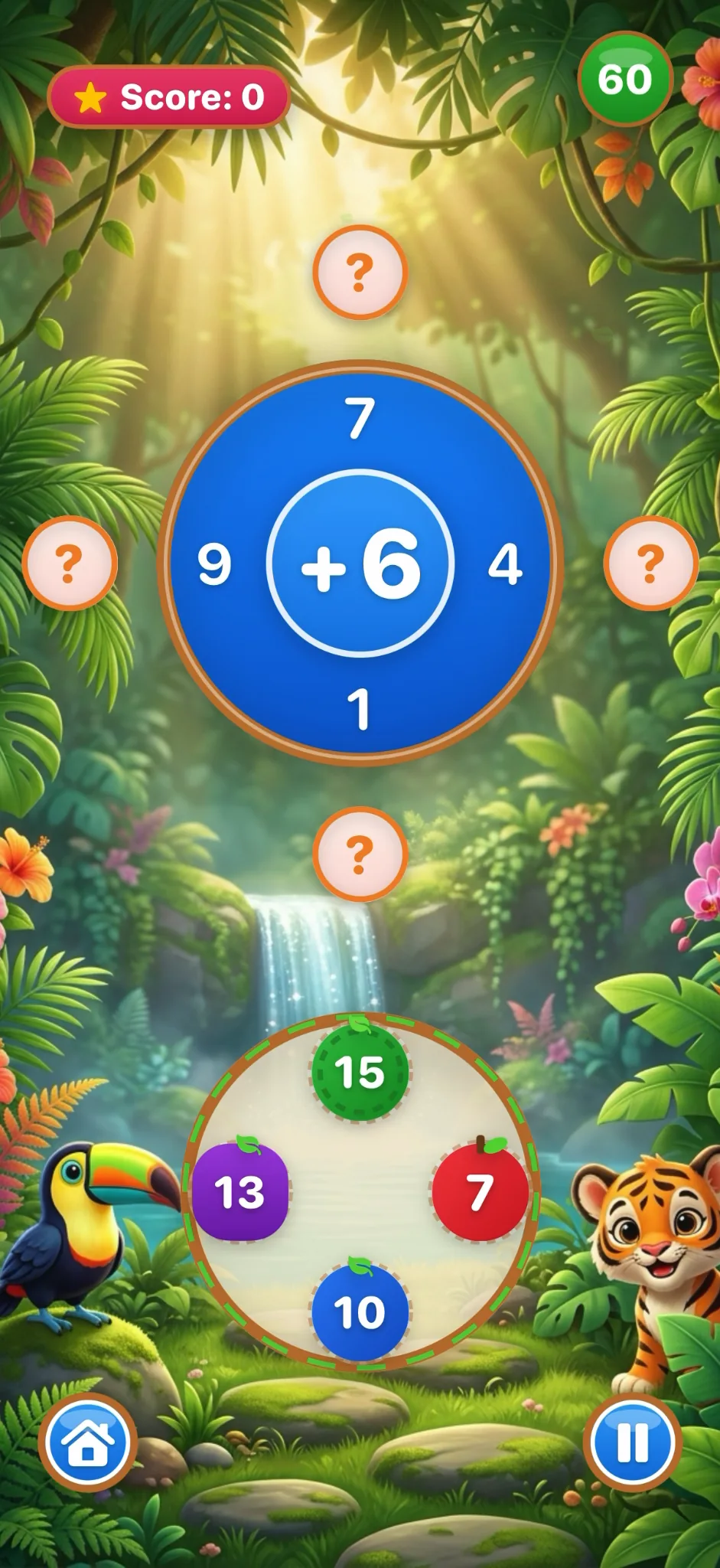
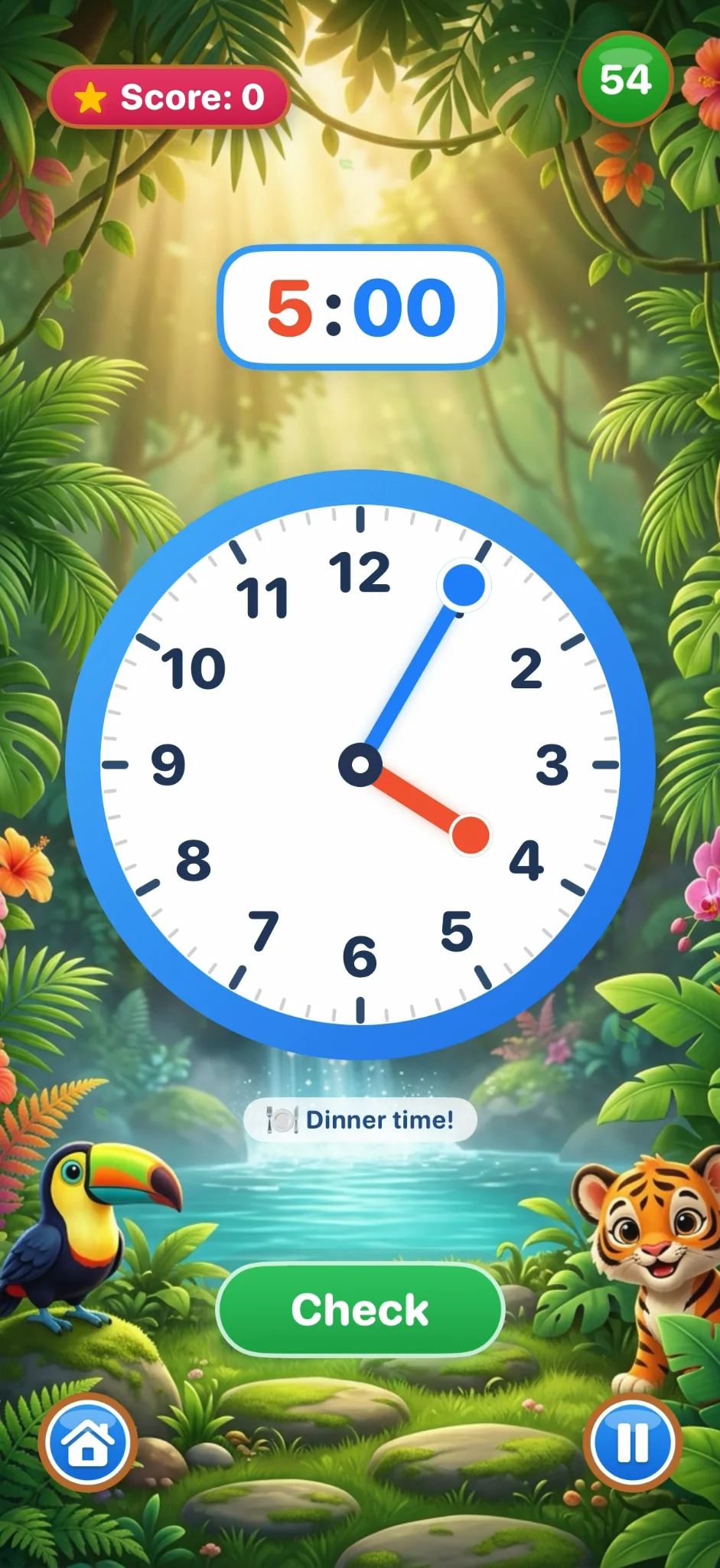
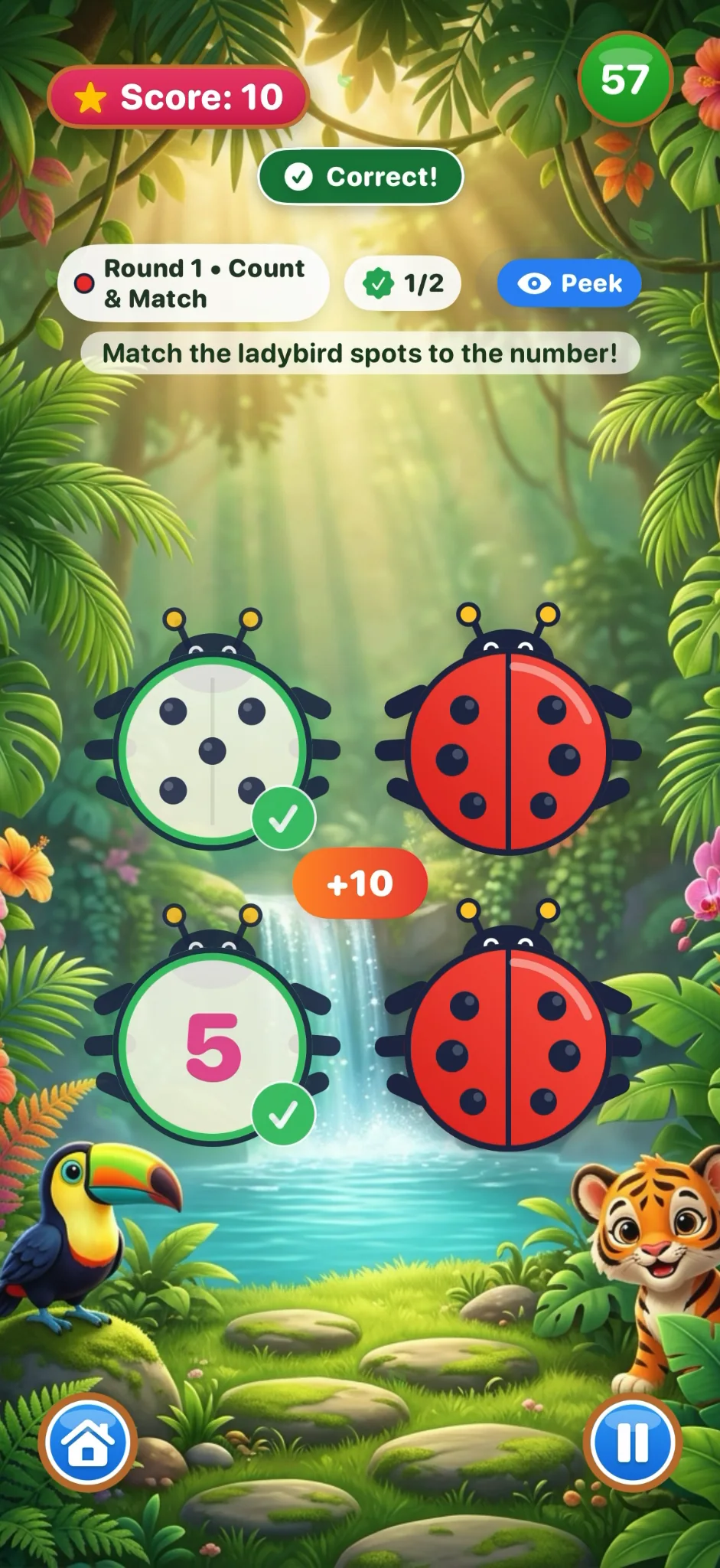
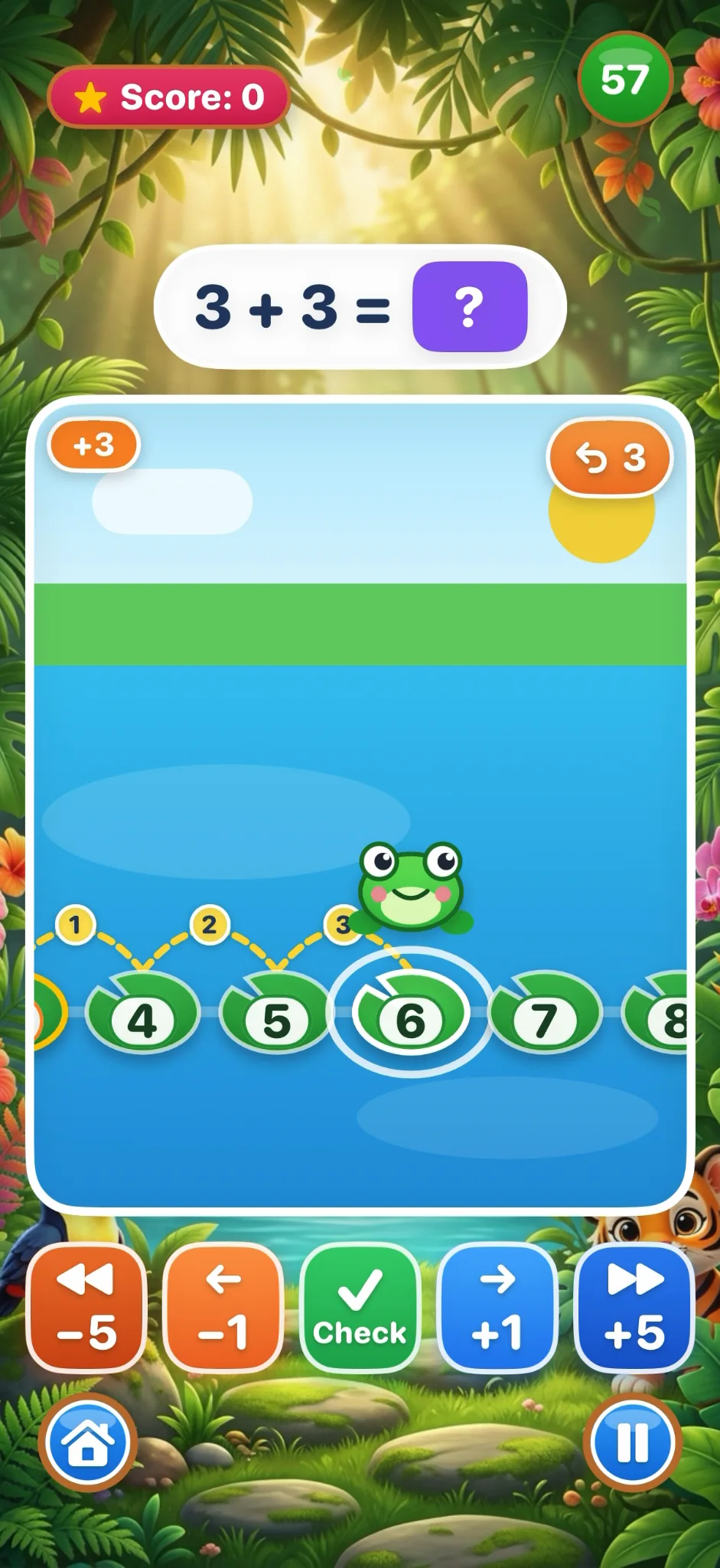
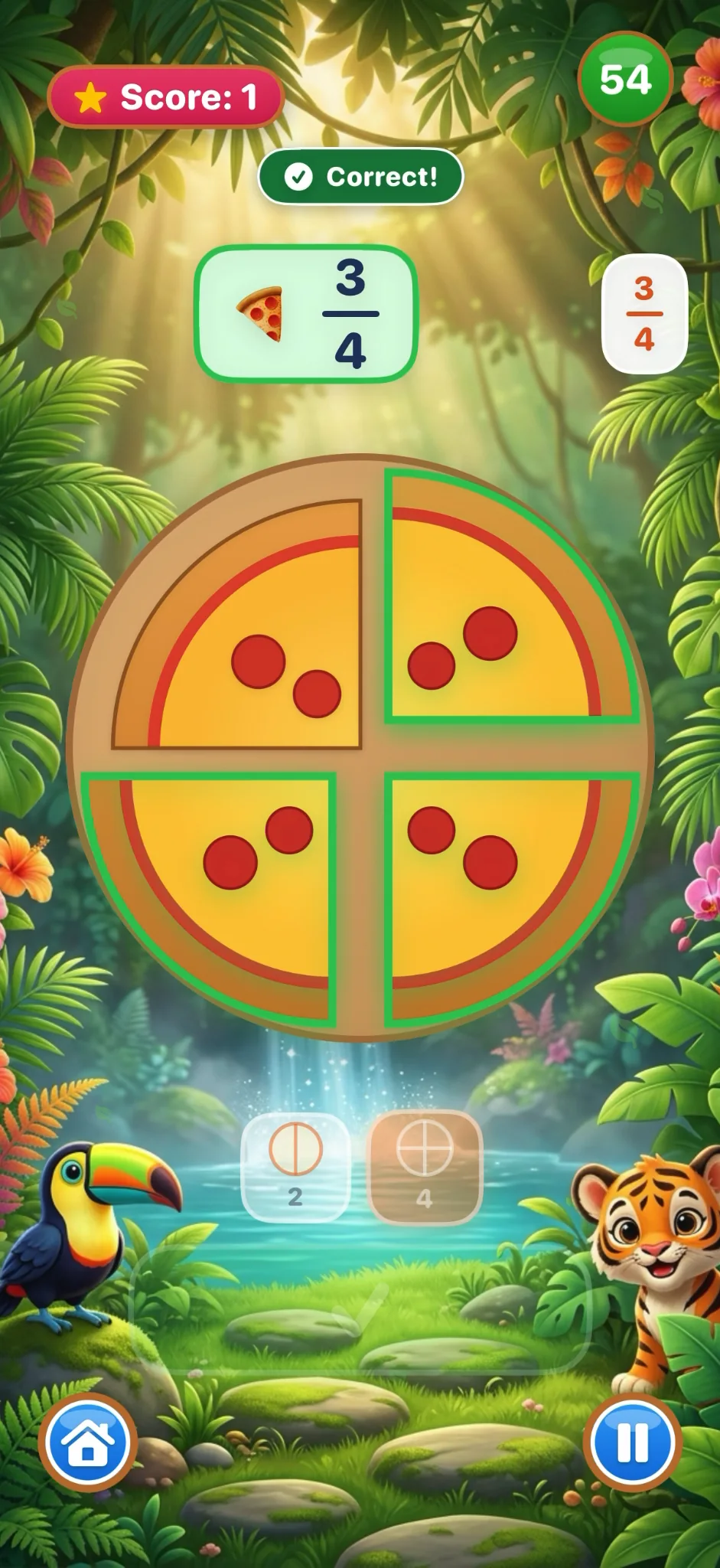
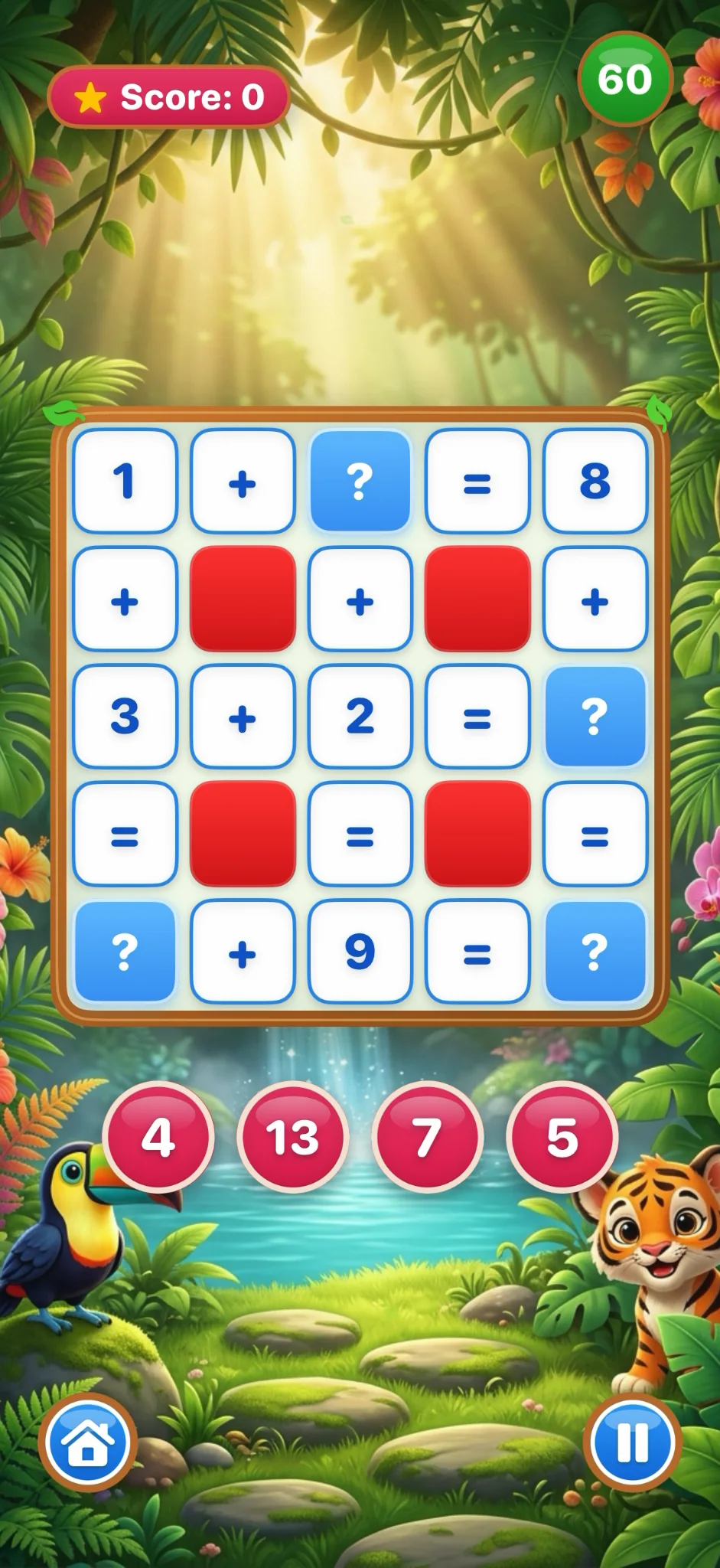
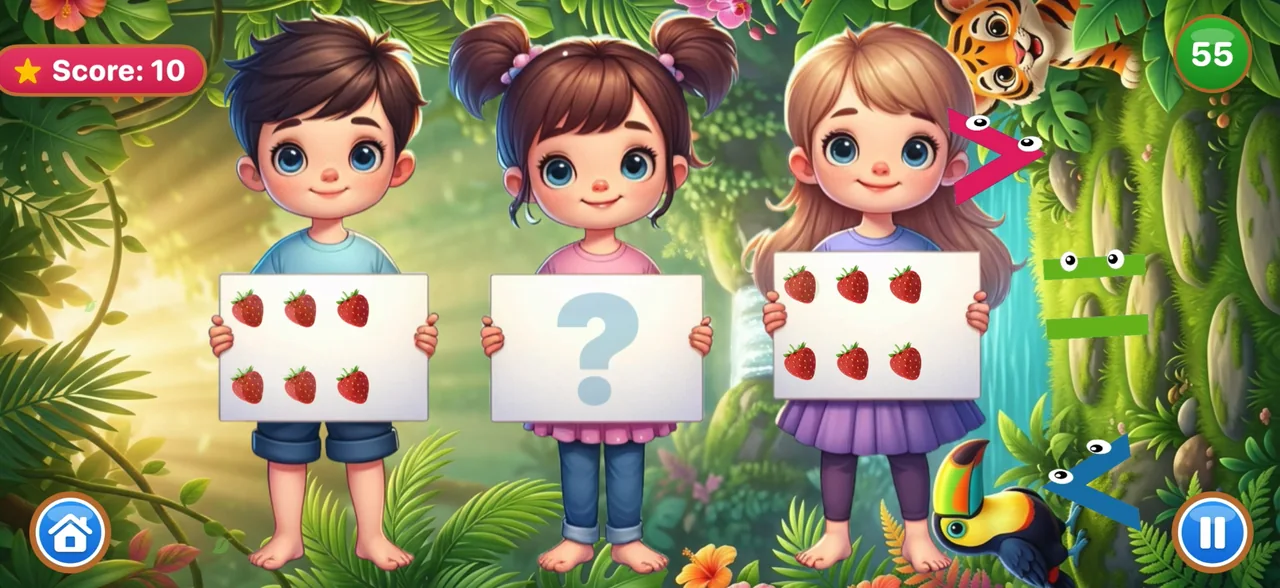
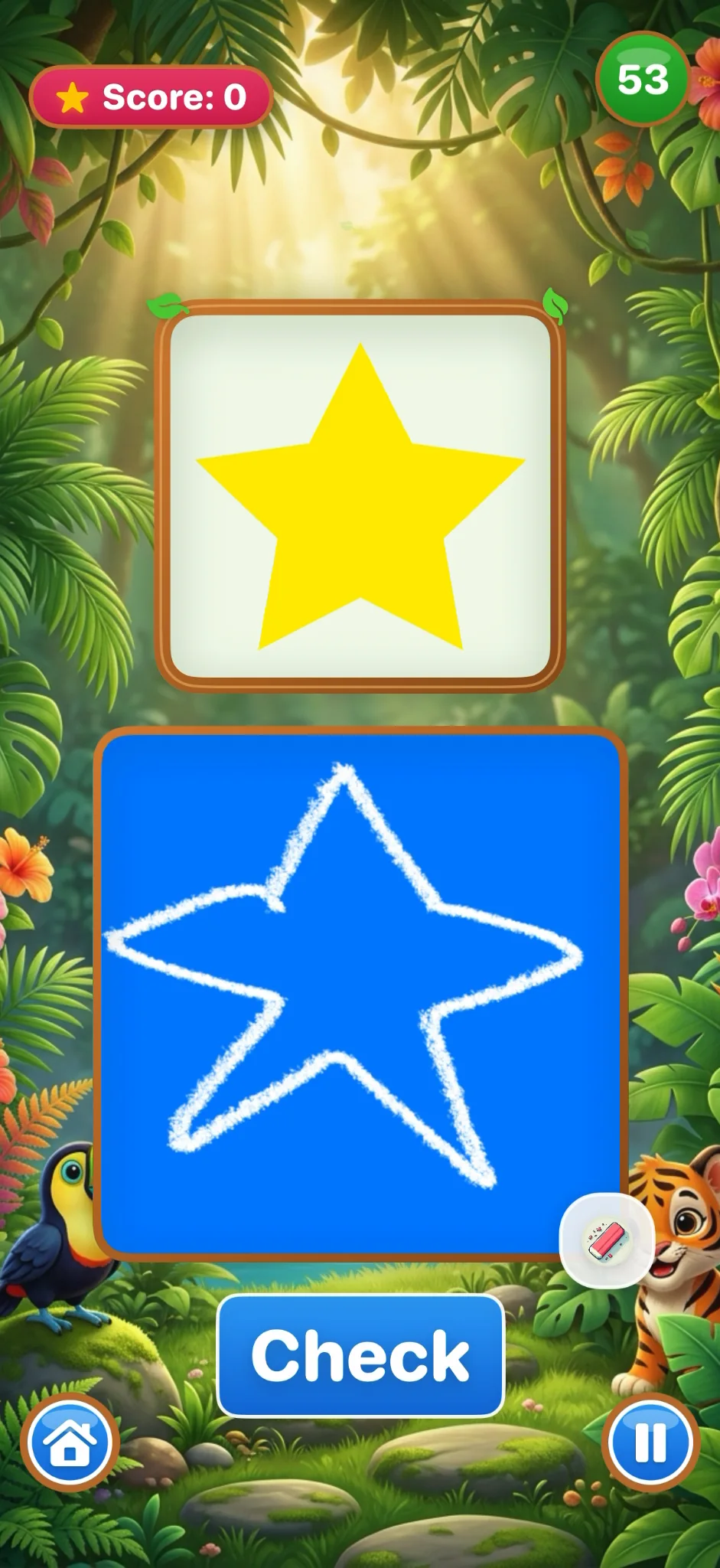
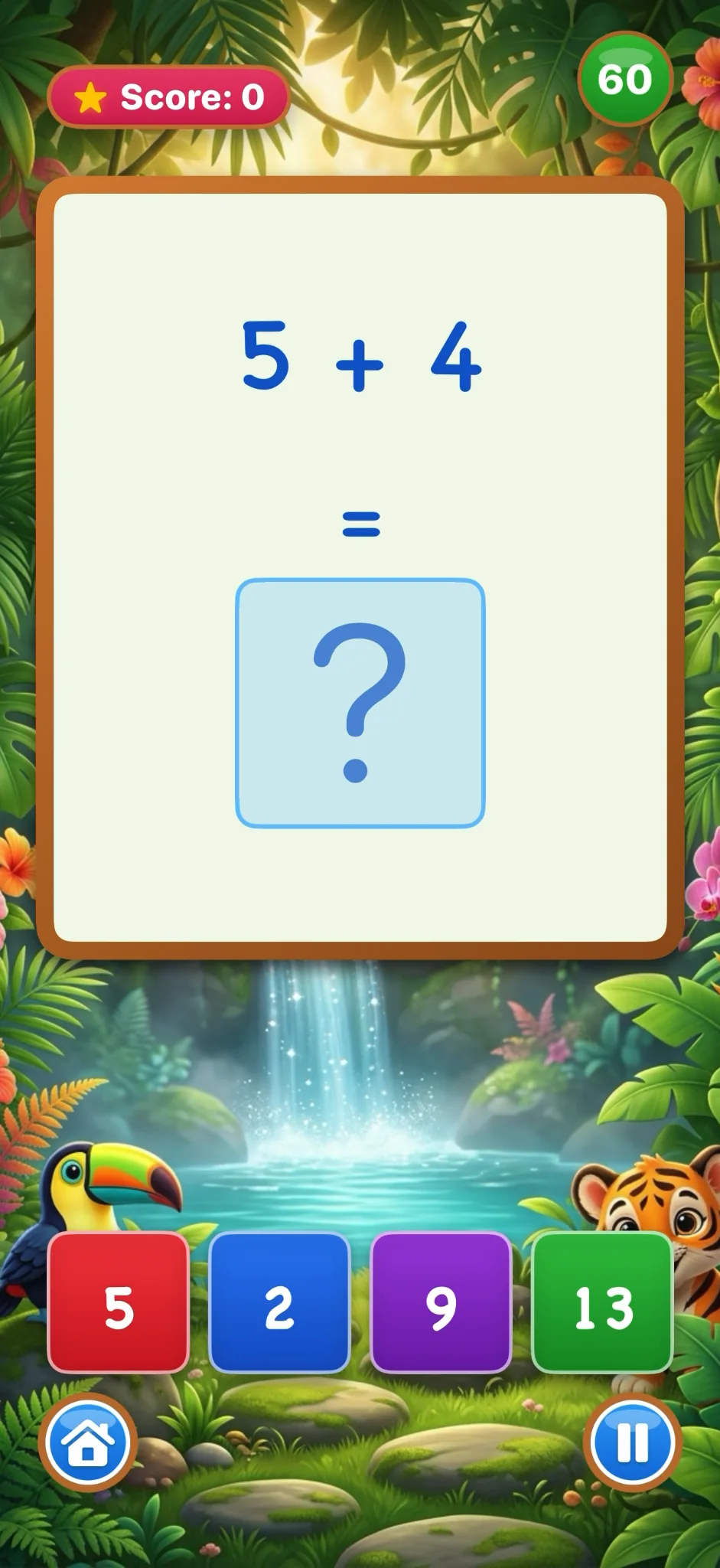
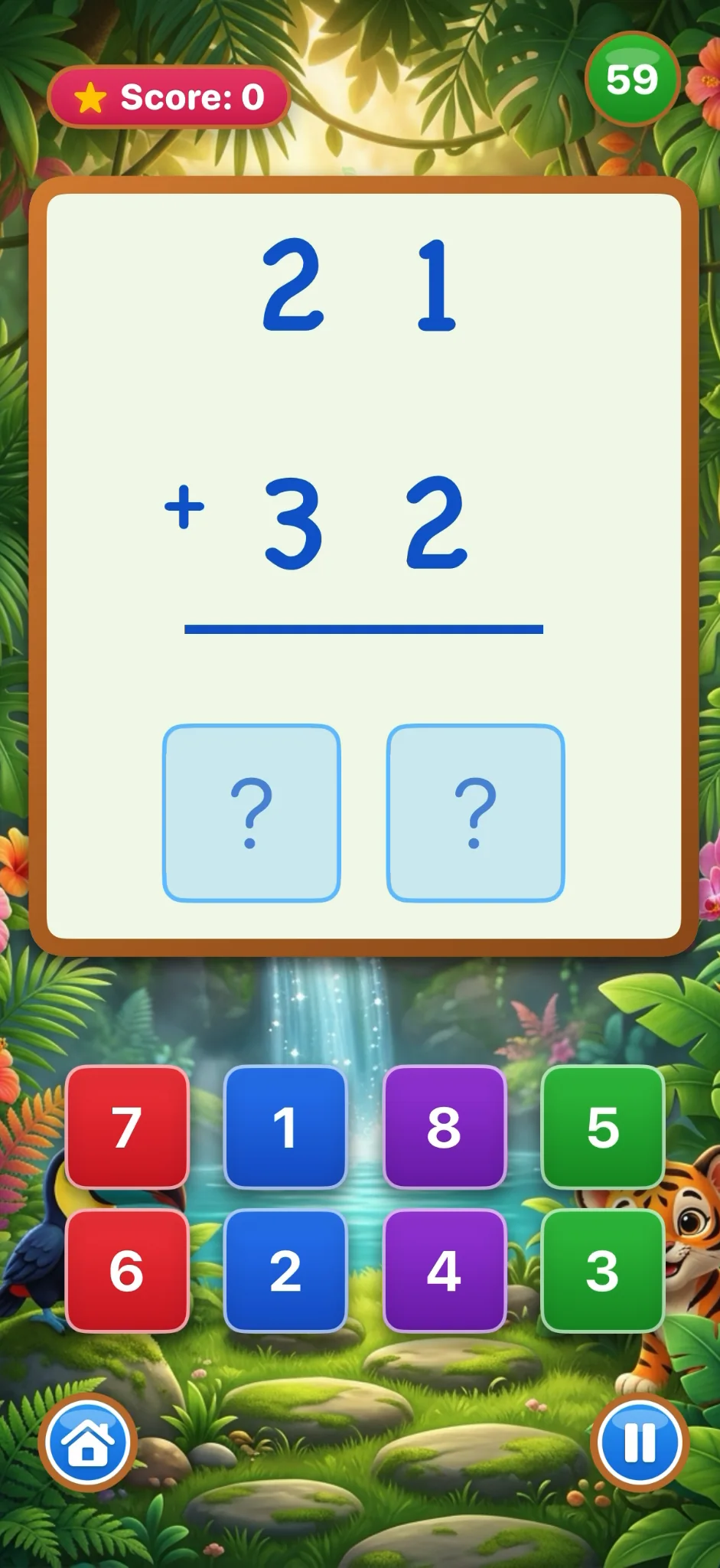
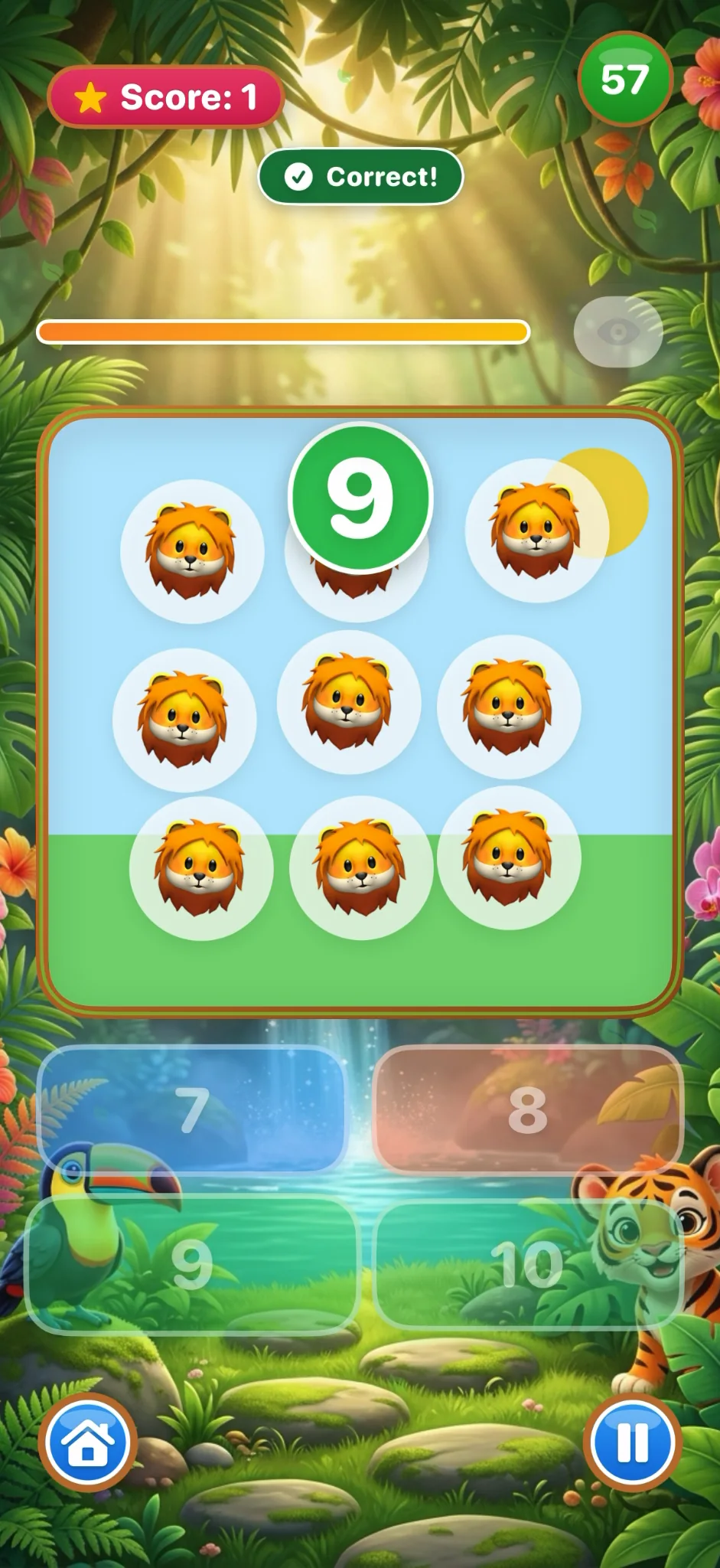
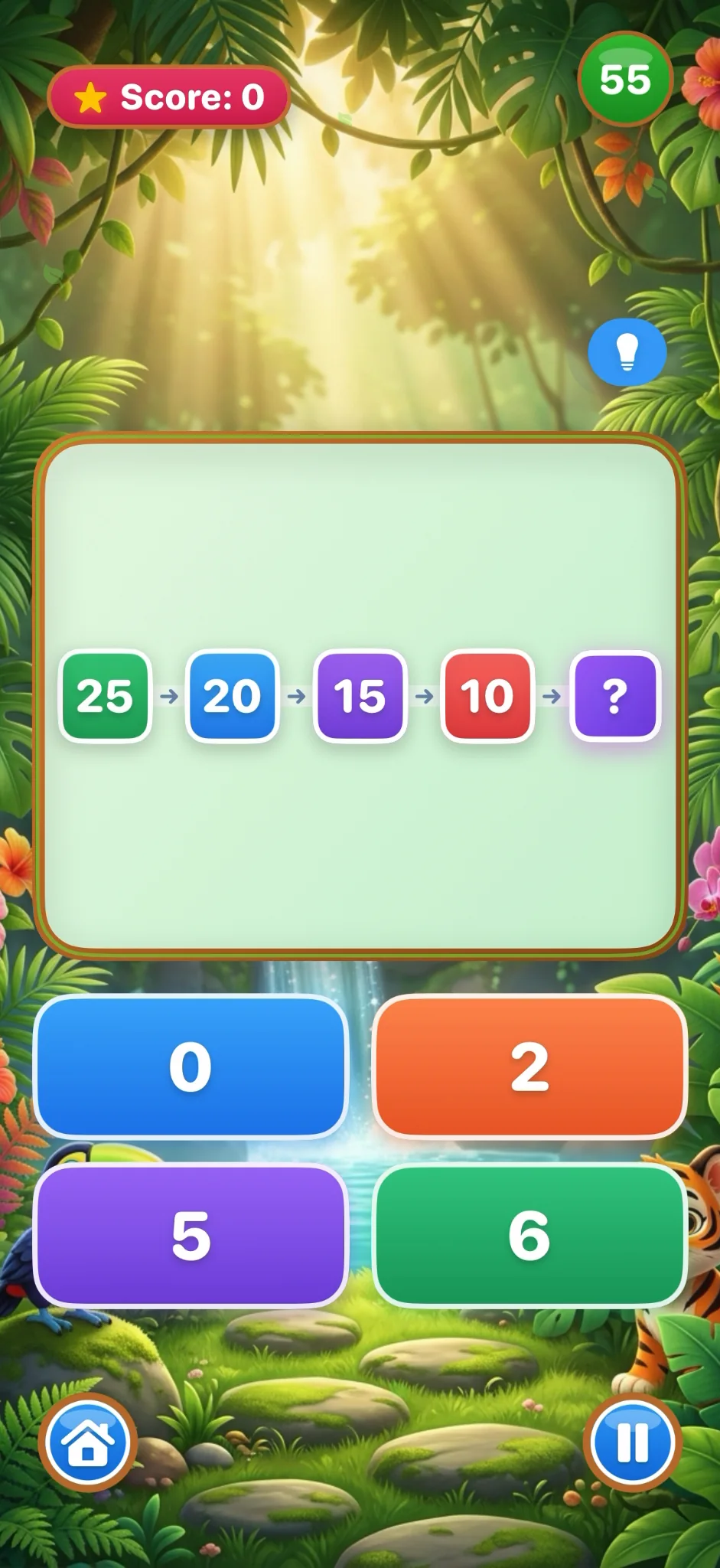
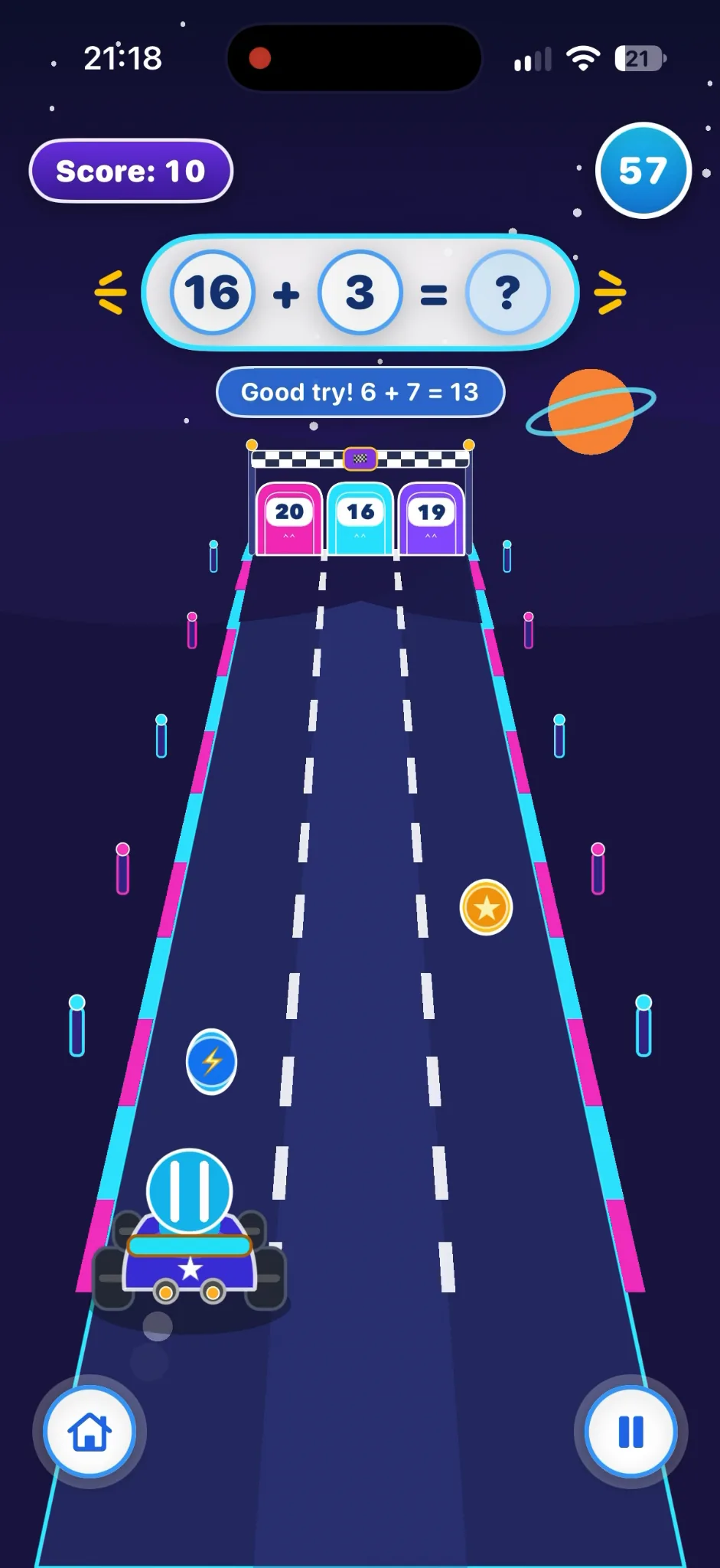
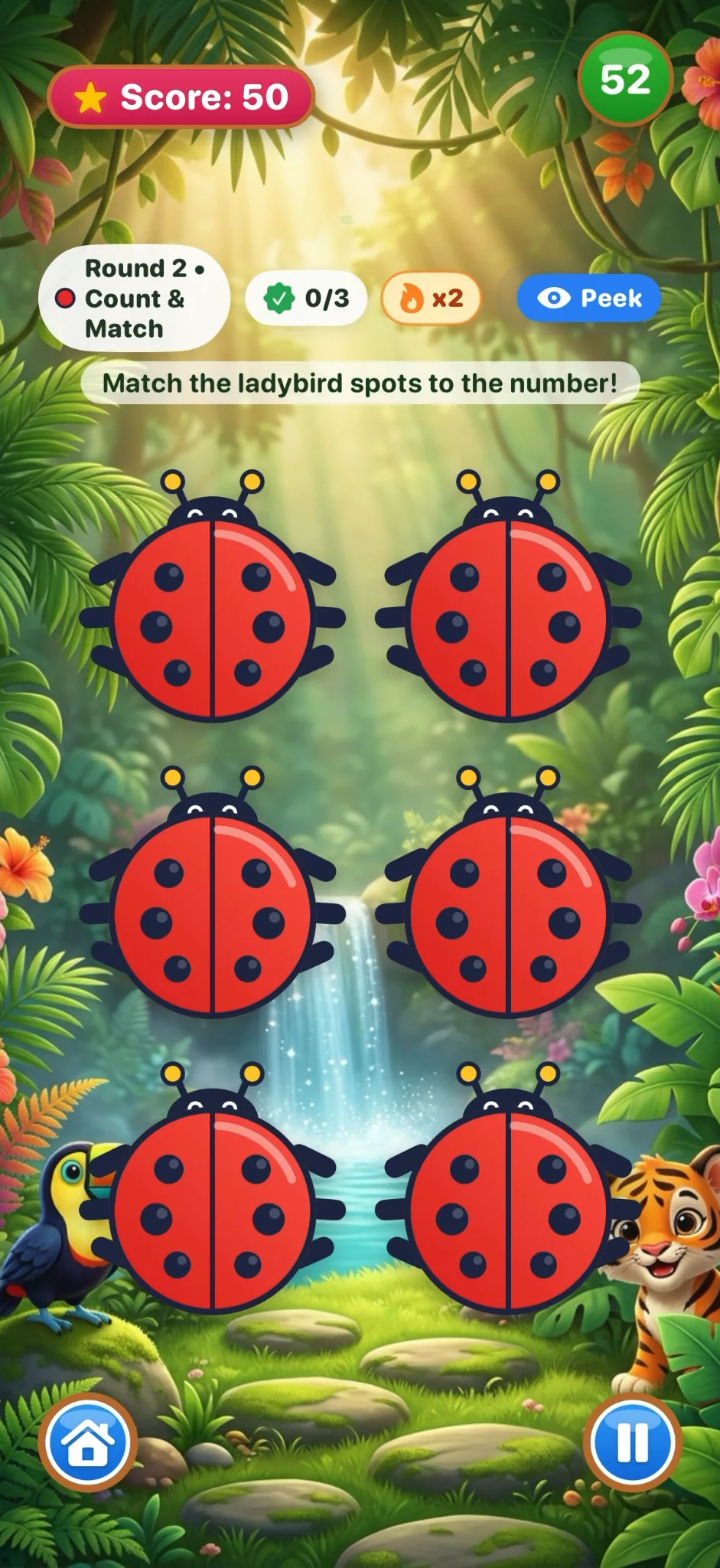
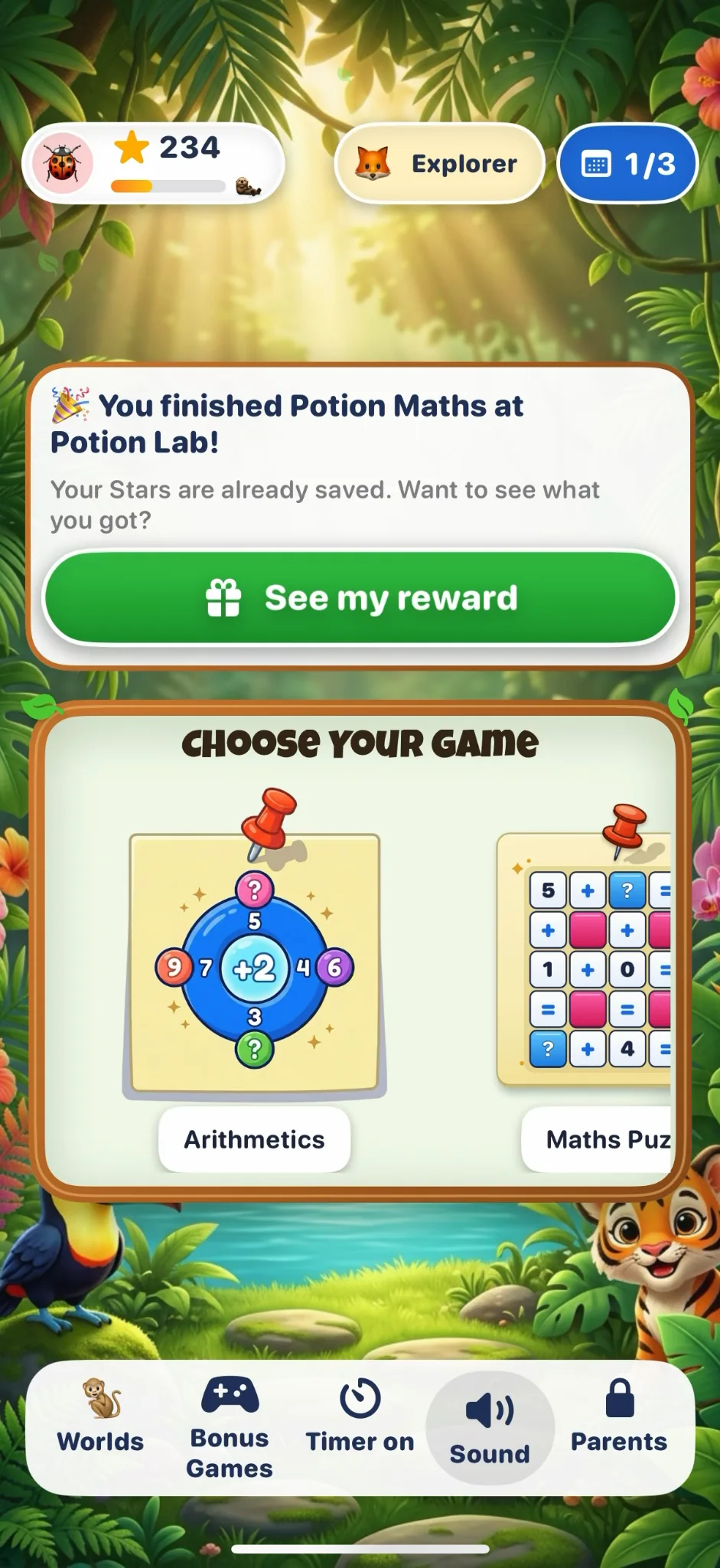
Kids Maths Games turns counting, shapes and everyday numbers into joyful little adventures for ages 4–8. Play on iPhone or iPad with iOS/iPadOS 16+. Start with three free core games; an optional Family Subscription opens more.
Age ranges are starting points. Every little learner moves at their own pace. Screens show version 1.7.8 gameplay; Coin Catcher uses a game illustration.
ONE MINUTE. THREE LITTLE WINS.
A little pop. A big “I got it!”
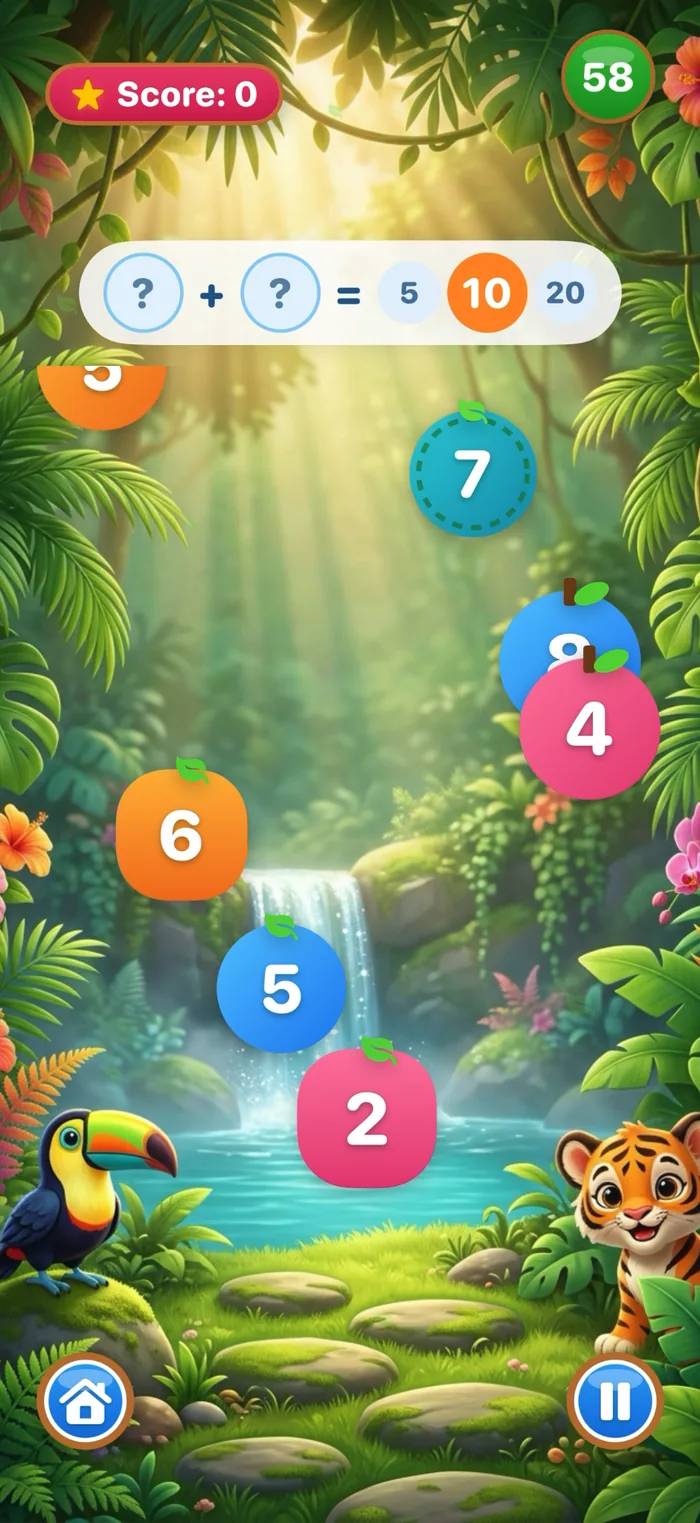
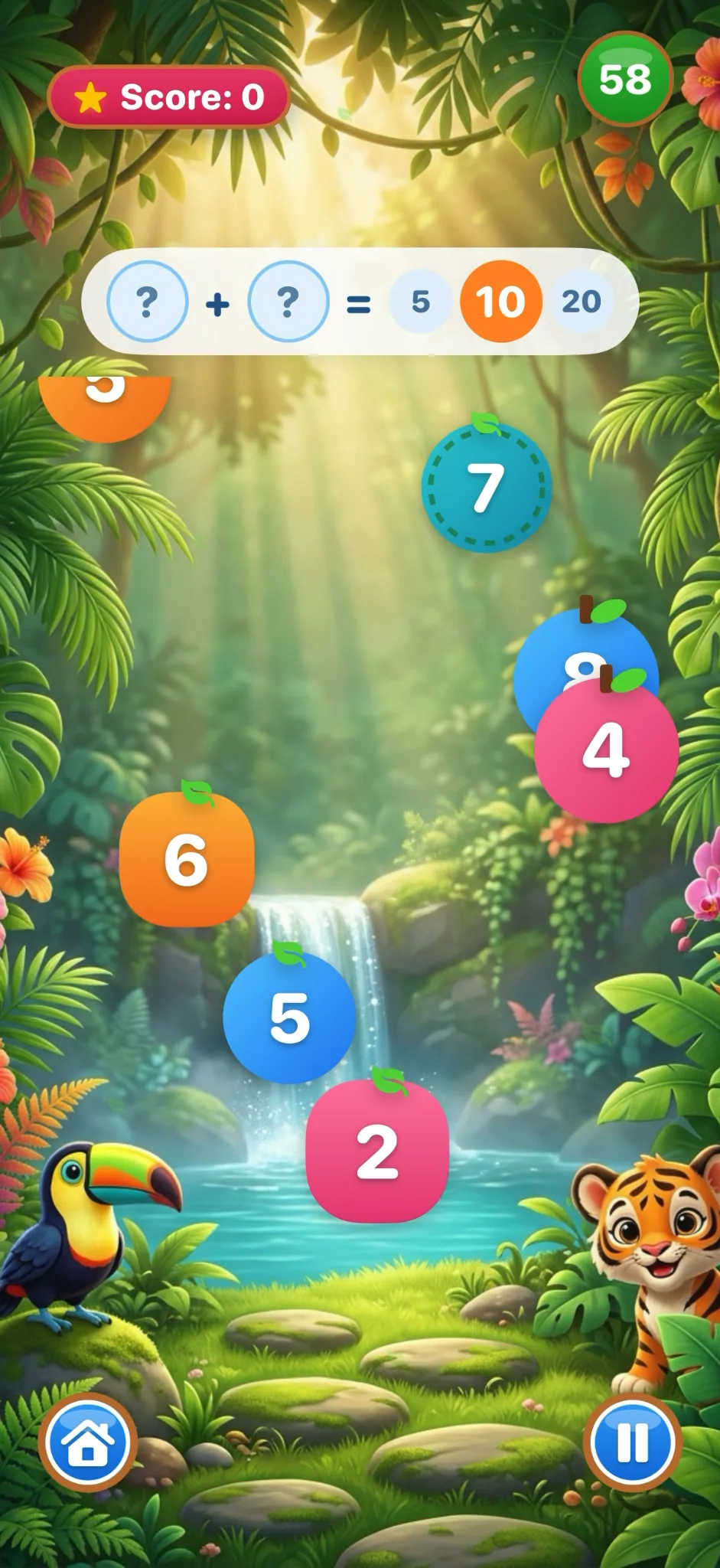
No download needed for this little taster. Find the number that makes 10 and give those growing number skills a try.
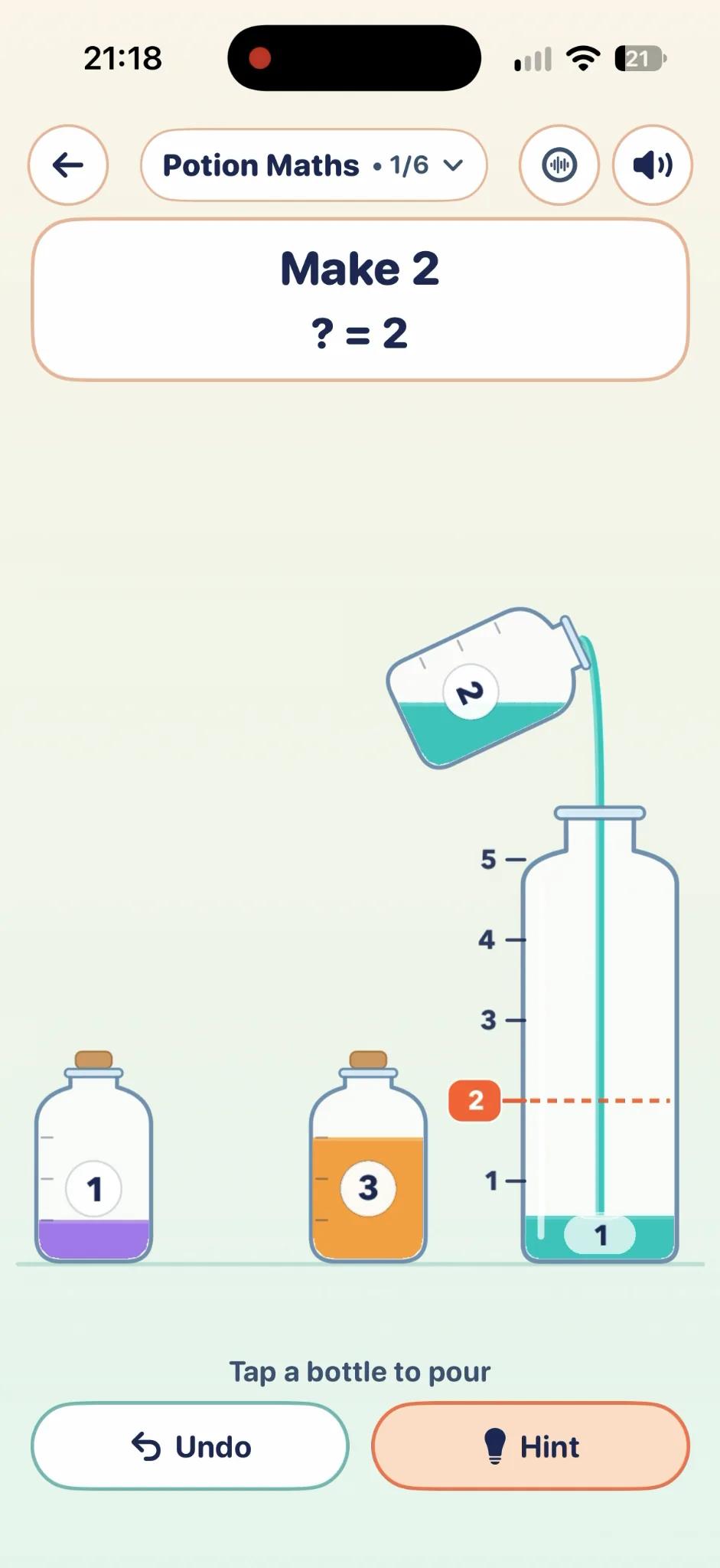
Actual app screens from version 1.7.8. Full gameplay is in the iOS app. Bonus Arcade games need both an active Family Subscription and an earned milestone.
SMALL STEPS. HAPPY PROGRESS.
Let curiosity lead the way.
01
Pick a little adventure.
Start with one of three free core games. Follow what catches their eye, from sums to ladybird pairs.
02
Find their happy level.
Make time for a few small discoveries. Talk through an answer, have another go and celebrate the effort.
03
Watch their world grow.
Earn Stars in core play. With a Family Subscription, earned milestones open the Bonus Arcade one stage at a time.
THE BONUS ARCADE
Practice opens new adventures.
Family Subscription+ Earned milestone
A little something to work towards. Every bonus needs both keys, with progress earned in the free or core games.
An active Family Subscription is needed for paid access. Subscriptions renew automatically unless cancelled; manage them in Apple Account settings. Purchase and Restore Purchases require internet.
Kids Maths Games is designed for ages 4–8. Start with counting and matching, then explore arithmetic, shapes, number bonds, time and fractions. Choose a level that feels comfortable for your child; age labels are a guide, not a test.
What can we play for free?
The app is free to download, with three core games to start: Arithmetics, Maths Puzzle and Ladybird Matching Pairs. An optional monthly or annual Family Subscription unlocks the paid library. Bonus Arcade games also need milestones earned through core play. Prices are shown in your local App Store before purchase.
How do the Bonus Arcade games unlock?
There are two keys: an active Family Subscription and the relevant child milestone. Progress through core or free games to open the stages. Maths Kart needs 40 Stars, Coin Catcher needs 60 addition answers and Potion Maths needs 90 Stars. Bubble Blaster is the first stage; check its progress in the app. A subscription alone does not unlock every bonus immediately.
Does it work on our iPhone or iPad?
You need iOS 16.0 or later on iPhone, or iPadOS 16.0 or later on iPad. Check Settings → General → About to see your version. The App Store shows device compatibility before download.
Can we play without an internet connection?
Gameplay and CoreML shape recognition run locally on your device. You need an internet connection to download the app, purchase or restore a subscription, and check subscription access.
Can more than one child use it?
Yes. The Parent Area supports multiple on-device child profiles, using a nickname, avatar and learning level. No real names, ages, photos or child email addresses are needed. Apple Family Sharing is separate: check the subscription’s App Store details for its current eligibility.
Are there ads or learning analytics?
There are no third-party banner ads or video ad breaks. Optional anonymous learning-progress sharing is off by default inside the Parent Area. This website only sends optional anonymous usage events if an adult opts in through Privacy choices. See the full privacy policy for data-processing details.
How do I cancel or restore a subscription?
On your Apple device, go to Settings → your name → Subscriptions → Kids Maths Games to manage or cancel. Cancel at least 24 hours before renewal to avoid the next charge. To restore, open Restore Purchases in the app with the Apple Account used to buy it and an internet connection.
Is there an Android app?
Currently, Kids Maths Games is exclusive to iPhone and iPad running iOS/iPadOS 16 or later. There is no Android release date to announce. Parents and carers can request Android updates using the email form in the download panel.